
 Script Planner Assistant▸
 AI Apps
 AI News
How to Generate Design Renders with DeepSeek and Jimeng AI
小编 ·

How to Generate Design Renders with DeepSeek and Jimeng AI
Using DeepSeek and Jimeng AI to generate design renderings is very simple. DeepSeek excels at logic and, by combining deep thinking with web search, can generate high-quality prompts. Jimeng AI, on the other hand, uses its text-to-image model to generate images. Therefore, you can first use DeepSeek to generate prompts, and then produce the desired design renderings in Jimeng AI — it's extremely simple and efficient.
Since the DeepSeek official website has been showing "server busy" and can't be used, I'm directly using the services of a third-party API provider, SiliconFlow. If your DeepSeek works fine, just use it directly on the DeepSeek official website. Here are some prompts I casually entered:
帮我生成一组卡通人物哪吒和敖丙牵手的漫画,生成适合即梦A的I绘图提示词
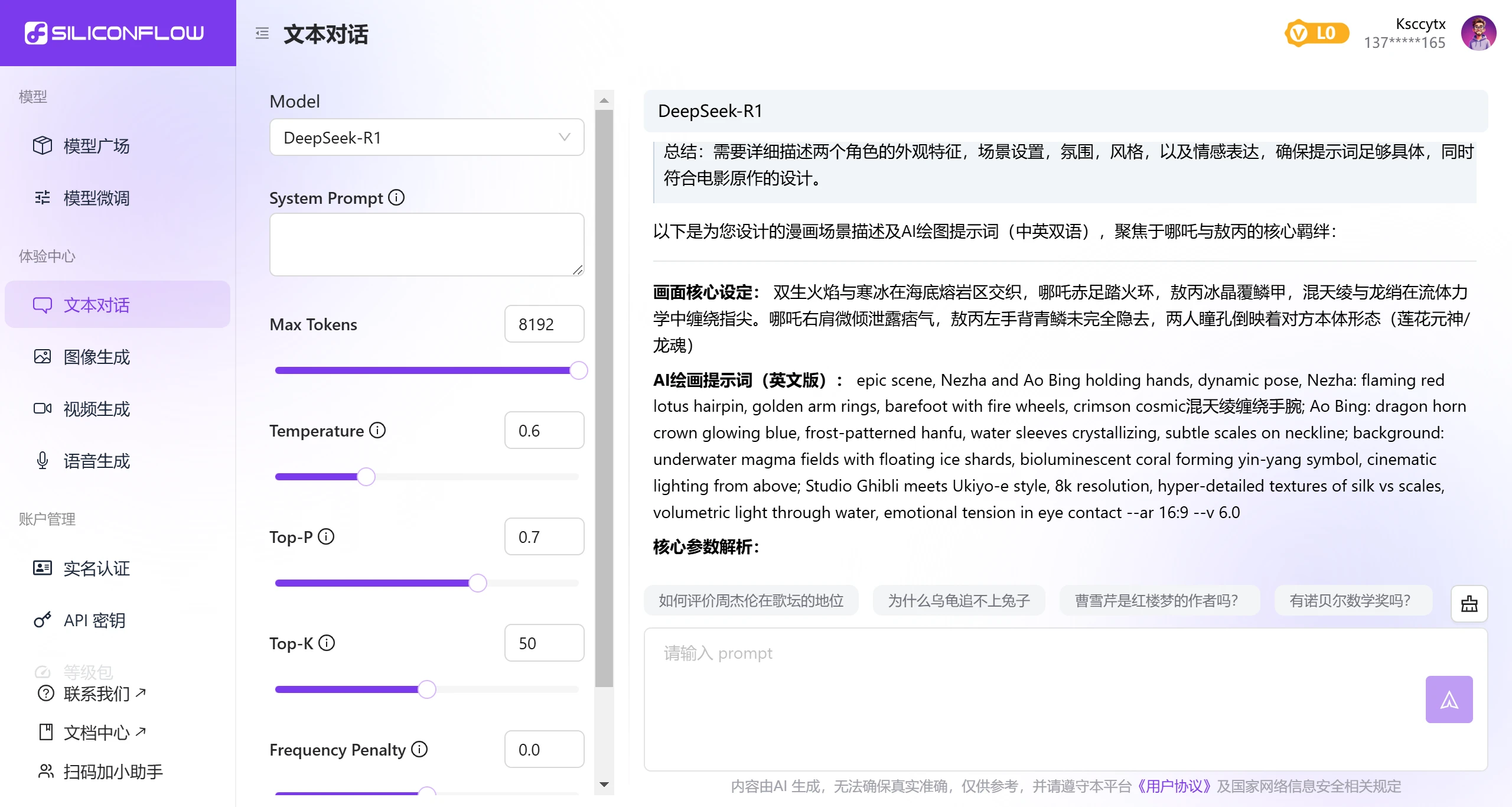
Copy the prompts and follow the steps below,and you can generate the renderings in Jimeng AI.
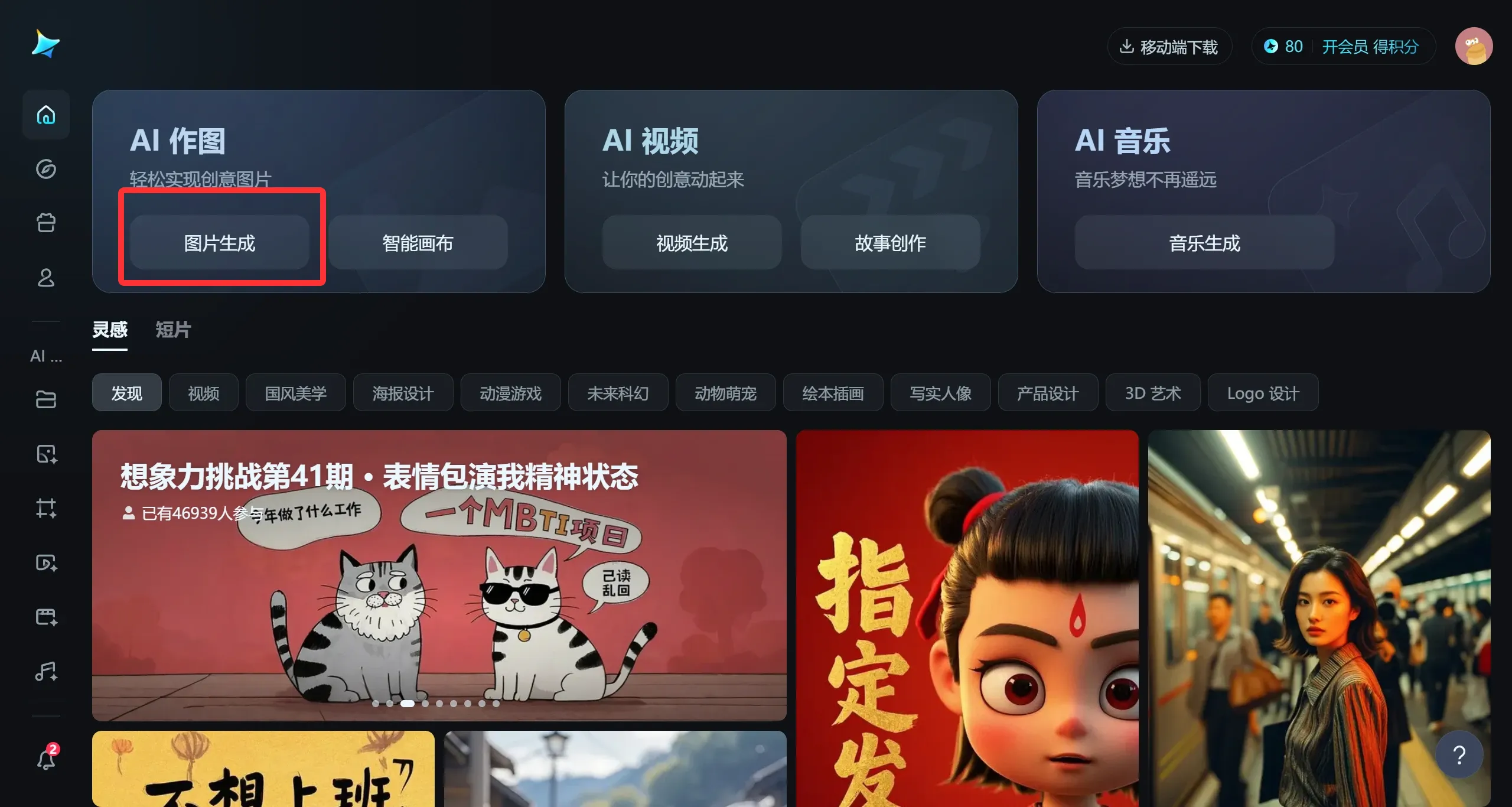
1. Log in to Jimeng AI: Visit the Jimeng AI official website and log in.
2. Select the image generation feature: On the page, choose the image generation feature under "AI Image Creation" and create images based on the generated prompts.
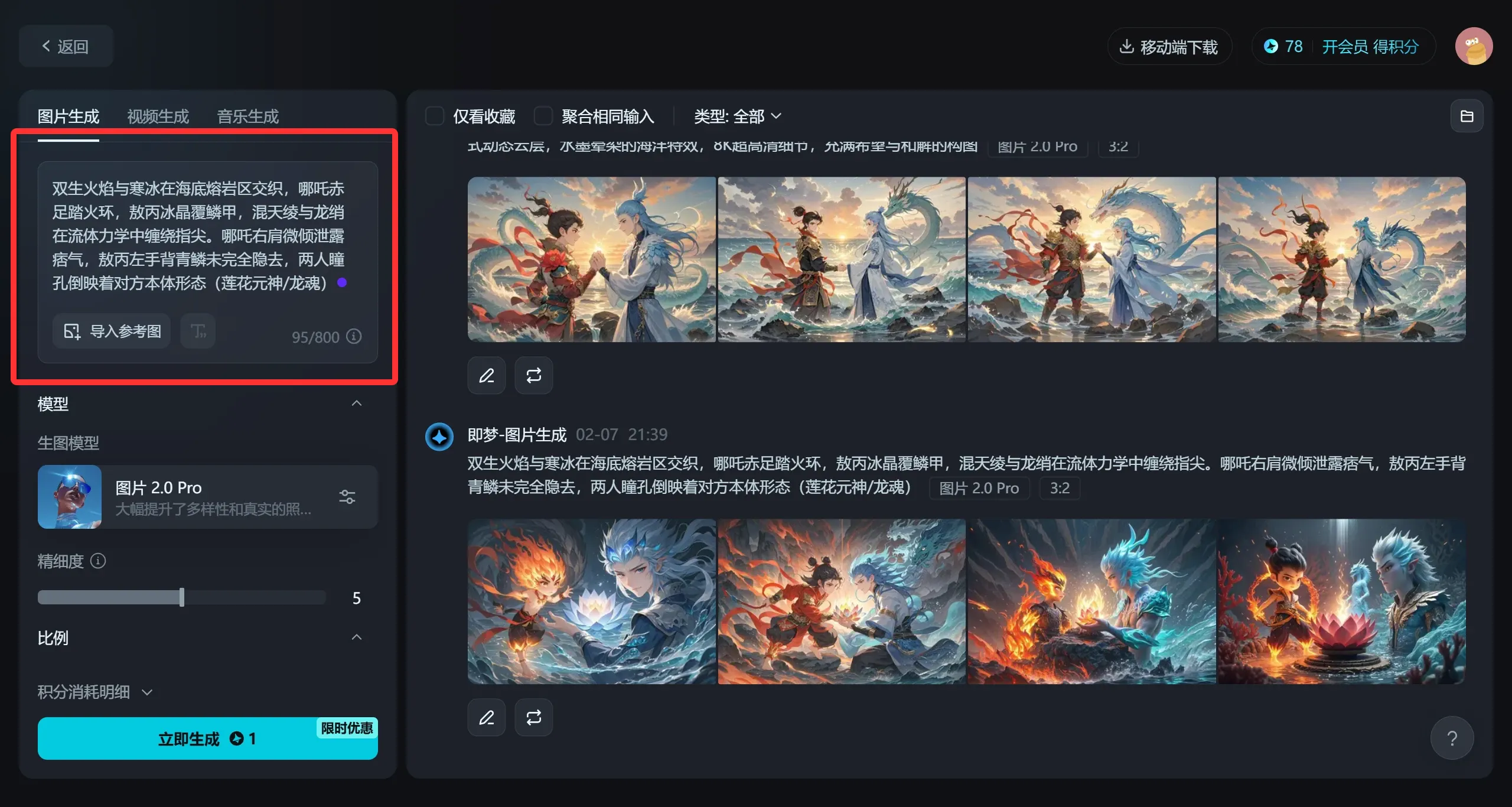
Paste the previously generated prompts into the image input box, then select an appropriate model (such as the General XL Pro model) and parameter settings, and click 【Generate Now】
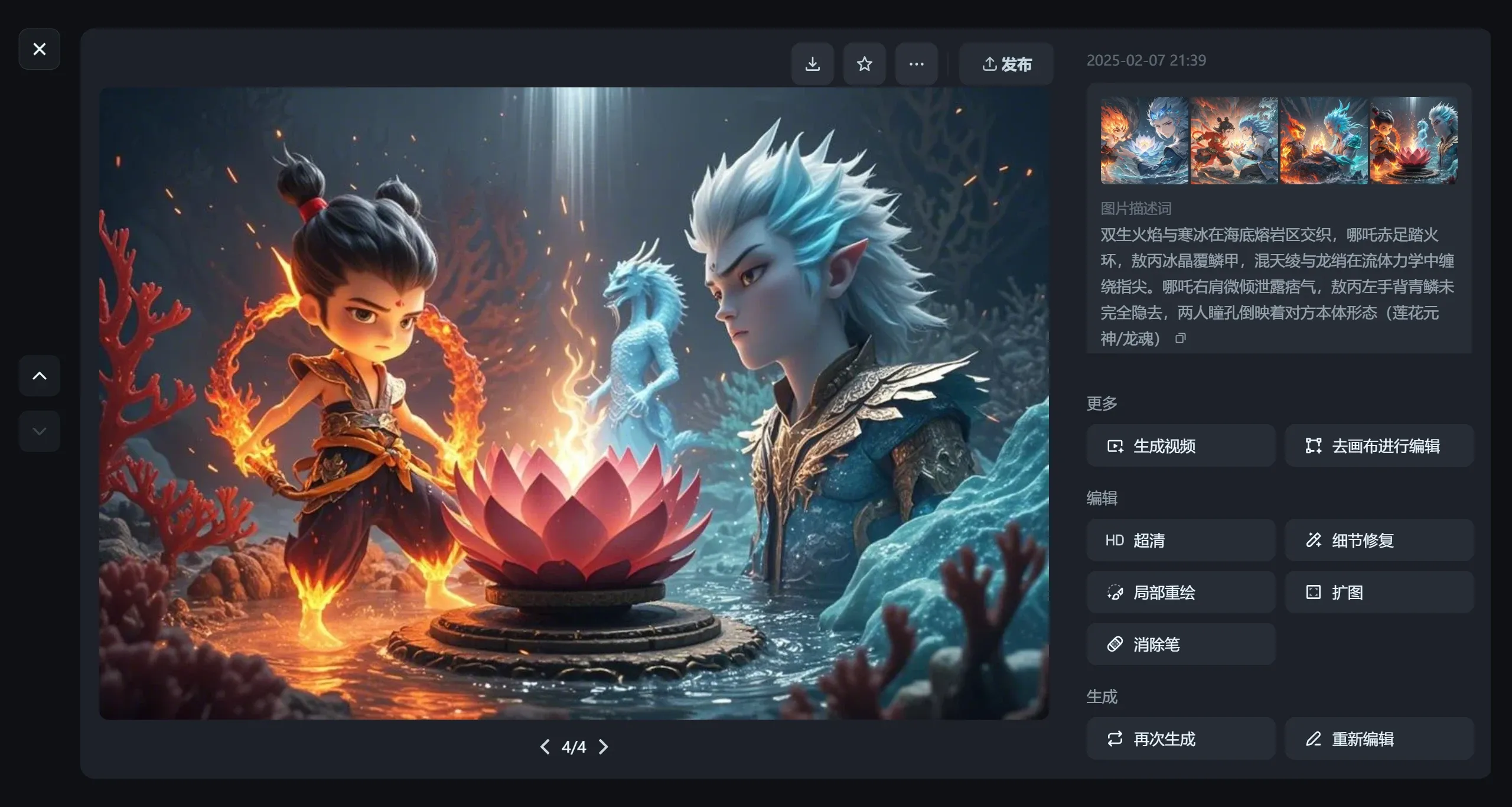
Four design renderings will be generated — pick the one you want to use. However, the images generated by DeepSeek and Jimeng AI are mostly for reference; it still takes some time before they can be truly implemented, because the generated images have no layers and cannot be modified in Photoshop.
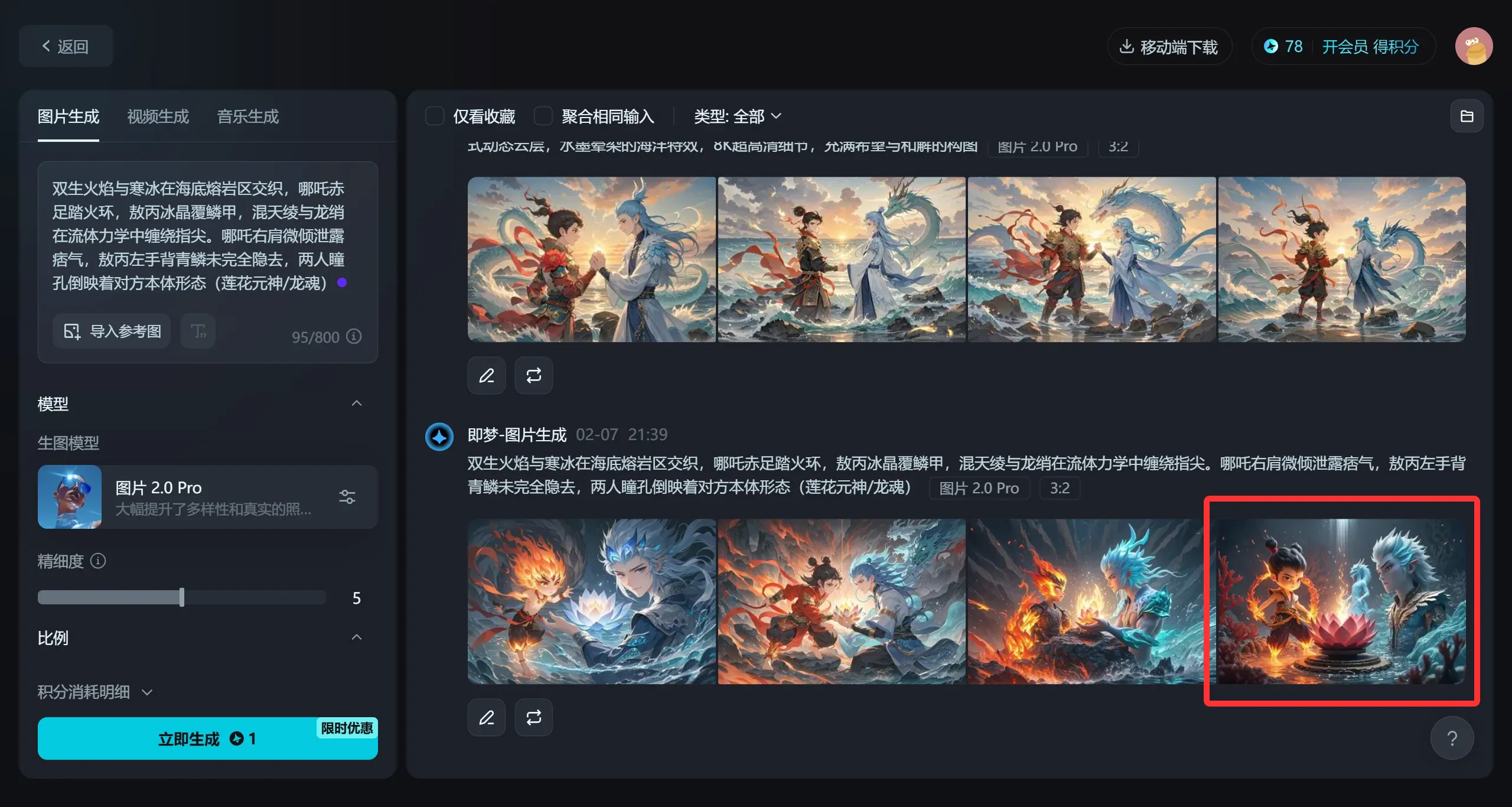
Design renderings generated by DeepSeek and Jimeng AI
Using this same method, DeepSeek and Jimeng AI can also generate videos.









